Oncepik
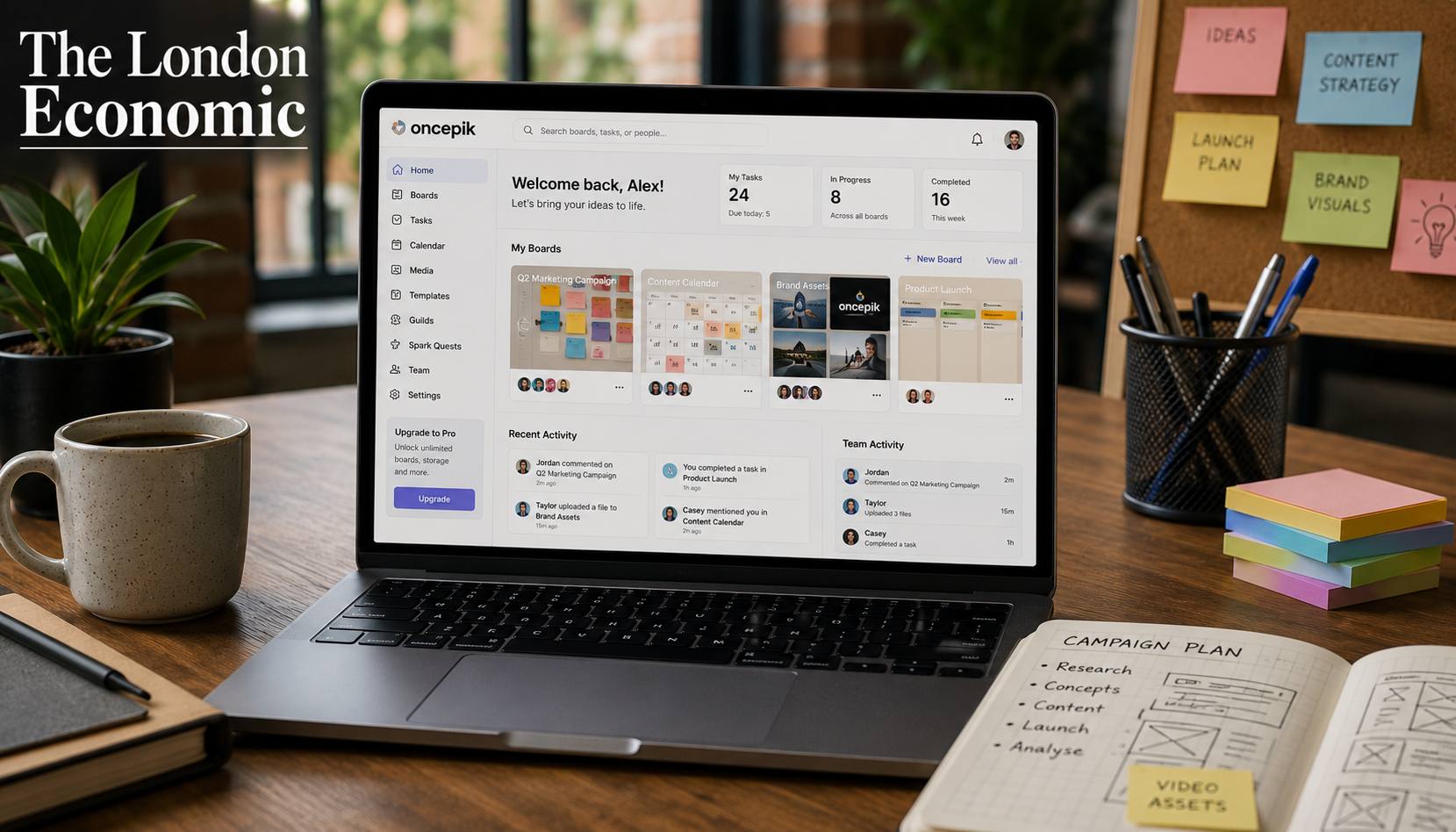
Oncepik is a visual-first productivity and collaboration platform that has attracted growing search interest throughout 2025. Described broadly as an all-in-one workspace for creatives and remote teams, it positions itself as an alternative to the fragmented experience of using separate tools for task management, content planning, file organisation, and team communication.
The platform’s core premise is straightforward: rather than forcing teams to work within text-heavy lists and rigid project hierarchies, Oncepik centres the experience around visual boards, drag-and-drop canvases, and multimedia organisation. For teams that find tools like Asana too structured or spreadsheet-based planning too rigid, that visual-first approach has genuine appeal.
This article provides an honest, balanced assessment of Oncepik: what it offers, who it is best suited to, where its limitations lie, and how it compares to established alternatives in the productivity software space.
What Is Oncepik?
Oncepik is a digital platform designed to help individuals and teams organise work, manage projects, share ideas, and collaborate visually. Rather than relying on separate applications for writing, planning, designing, collaborating, and publishing, it consolidates these functions into one unified workspace.
The platform covers several distinct use cases simultaneously:
- Content creation and planning: Helping writers, marketers, and creators plan, draft, and organise content across multiple channels.
- Project and task management: Visual boards for tracking progress, assigning responsibilities, and managing deadlines.
- Team collaboration: Real-time feedback, mentions, shared boards, and communication within a single workspace rather than scattered across email and chat tools.
- Creative asset organisation: Storage and management of images, videos, documents, and project drafts in one place.
One useful way to think about Oncepik is as a hybrid of Trello’s board-based task management, Notion’s flexible workspace, and Pinterest’s visual organisation, with collaboration features layered on top. Whether it fully delivers on that ambitious positioning is the more important question.
Core Feature
Visual Boards and Canvases
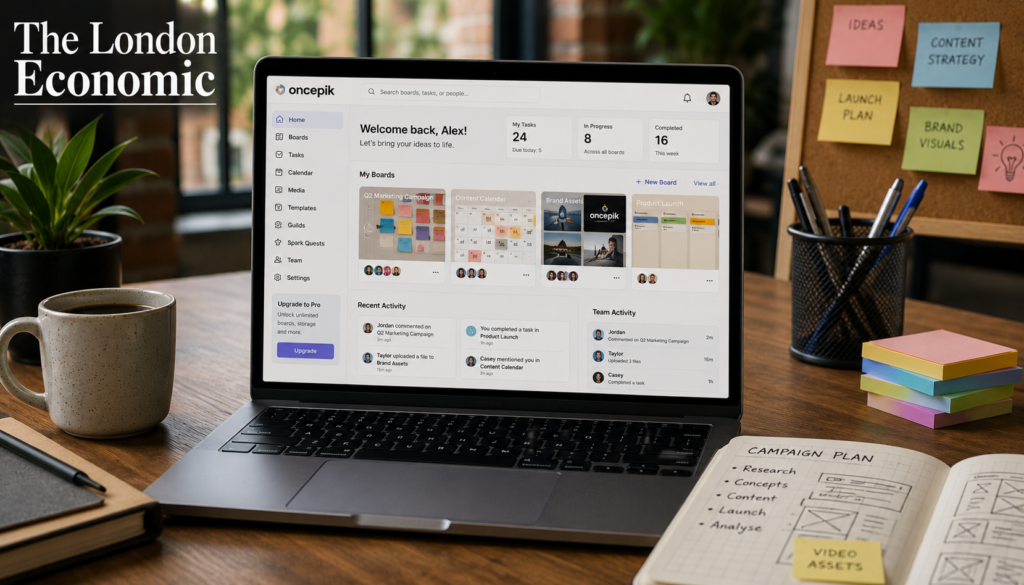
At the heart of Oncepik is its visual board system: customisable canvases where users can drag and drop images, videos, design assets, and tasks. These boards serve as the primary workspace for both individual and team use.
Unlike traditional task lists, the board format allows context to be visible at a glance. A campaign board, for example, can simultaneously show creative assets, content deadlines, team assignments, and status indicators without requiring the user to navigate between views.
Real-Time Collaboration
Team members can leave feedback directly on tasks or media assets, use mentions to tag colleagues, and share controlled-access boards with clients. This approach reduces the reliance on email threads and fragmented file-sharing, which remains one of the most consistently cited pain points in remote working environments.
A 2023 report by McKinsey & Company found that employees spend an average of 28 per cent of their working week managing email, and a further 14 per cent searching for information internally. Platforms that reduce this fragmentation by centralising communication and assets address a genuine, documented productivity problem.
Content Planning Tools
For marketing teams and content creators, Oncepik includes structured templates designed to guide editorial planning. Users can organise blog pipelines, social media calendars, and multimedia campaigns visually, tracking stages from ideation through to publication.
Community Guilds and Spark Quests
More recent feature additions include structured community elements. Community Guilds allow users with shared goals or project interests to collaborate within defined groups, while Spark Quests provide new users with guided pathways to explore the platform’s functionality without being overwhelmed.
AI-Assisted Features
Oncepik has introduced AI-powered suggestions for board layouts, task prioritisation, and content organisation, though these features are described as still evolving. The platform’s roadmap includes deeper AI integration for automated tagging, task bottleneck prediction, and smart content recommendations.
Who Is Oncepik Best Suited To?
Oncepik works best for specific types of users and organisations. It is not a universal replacement for every productivity tool, and being clear about where it fits prevents the frustration of adopting a platform that does not match your workflow.
Freelancers and solopreneurs benefit from its ability to manage client projects, deadlines, and creative assets in one place, without the cost or complexity of enterprise-level software.
Creative agencies can use it for campaign planning, brand board management, and client review processes, where visual communication is more efficient than text-based feedback chains.
Marketing teams find value in its content planning features, using visual boards to organise blog pipelines, social media campaigns, and multimedia content calendars.
Remote and hybrid teams gain the most from the real-time collaboration features, particularly when team members work across different time zones and need a shared visual reference point that updates in real time.
Students and personal users can use it for personal project planning, habit tracking, and goal visualisation, with the free tier covering most basic needs.
Honest Limitations
A balanced review requires acknowledging where Oncepik falls short relative to established competitors.
Integration depth. At this stage of its development, Oncepik offers fewer third-party integrations than mature platforms like Notion or Asana. Teams that rely heavily on tools such as Salesforce, HubSpot, or Adobe Creative Cloud will find the integration options more limited, though the platform has indicated that integrations with services like Figma and CRM systems are in development.
Advanced automation. For teams requiring sophisticated workflow automation, conditional logic, or enterprise-level reporting, Oncepik’s current automation features are less developed than those available in Asana, Monday.com, or ClickUp.
Verification and track record. As a relatively new platform, Oncepik does not yet have the independently verified user base, third-party case studies, or analyst coverage that more established tools carry. Prospective users, particularly those making purchasing decisions for larger teams, should trial the platform directly and verify current capabilities rather than relying solely on third-party descriptions.
Learning curve for switchers. Users migrating from purely text-based tools may initially find the visual-canvas approach requires a mental adjustment. The benefit becomes more apparent over time, but it is not an instant productivity gain for teams accustomed to linear task lists.
How Oncepik Compares to Established Alternatives
Understanding where Oncepik sits in the broader market requires an honest comparison with tools that have a longer track record.
| Feature | Oncepik | Notion | Trello | Miro | Asana |
|---|---|---|---|---|---|
| Visual-first interface | Yes | Partial | Yes | Yes | No |
| Task management | Yes | Yes | Yes | Limited | Yes |
| Content creation tools | Yes | Yes | No | No | No |
| Real-time collaboration | Yes | Yes | Yes | Yes | Yes |
| Third-party integrations | Limited (growing) | Extensive | Extensive | Good | Extensive |
| AI-assisted features | Yes (developing) | Yes | Limited | Yes | Yes |
| Free tier available | Yes | Yes | Yes | Yes | Yes (limited) |
| Best for | Creative teams, freelancers | Knowledge workers | Simple task tracking | Visual brainstorming | Complex project management |
The table above illustrates both Oncepik’s distinctive positioning and its current gaps. Its combination of visual boards, content creation tools, and collaboration features in a single platform is genuinely unusual. Most competitors excel in one or two of these areas but not all three simultaneously. The question is whether Oncepik’s execution currently matches that ambition, which individual users will need to assess through direct trial.
The Broader Context: Why Visual Productivity Tools Are Growing
Oncepik’s emergence reflects a genuine and documented shift in how teams want to work. The traditional project management paradigm, built around Gantt charts, hierarchical task lists, and text-heavy documentation, evolved for office environments where work was largely synchronous and co-located.
Remote and hybrid working has changed those conditions significantly. By 2025, an estimated 42 per cent of the global workforce works remotely at least part of the time, according to data cited across multiple workforce research sources. Visual tools better support asynchronous collaboration because they communicate context and status without requiring a meeting or a lengthy written explanation.
Research from Nielsen Norman Group, a leading user experience research firm, has consistently shown that visual interfaces reduce cognitive load in information-dense environments. When a team member can see a project board and immediately understand what is complete, what is in progress, and what is blocked, the communication overhead decreases considerably.
Tools like Miro, which reached a valuation of approximately 17.5 billion US dollars in 2022 before the broader tech valuation correction, validated the commercial appetite for visual collaboration software. Oncepik is positioning itself within this same market segment, with a broader feature set than a pure whiteboarding tool but with less institutional history than Notion or Asana.
Pricing
Oncepik offers a free plan suitable for individual users and small projects. Paid plans unlock features including unlimited boards, larger media storage, priority support, and enhanced collaboration tools. Specific pricing tiers should be verified directly on the Oncepik website, as these are subject to change as the platform develops its commercial model.
Key Takeaways
- Oncepik is a visual-first productivity and collaboration platform designed for creative professionals, freelancers, marketing teams, and remote workers.
- Its core differentiator is the combination of visual board management, content creation tools, and real-time team collaboration in a single workspace, an approach few established competitors offer in one place.
- Current limitations include fewer third-party integrations and less mature automation features compared to established tools like Notion, Asana, or Monday.com.
- The platform is most compelling for creative agencies, solo content creators, and small remote teams. Teams requiring enterprise-level process rigidity or extensive integrations may need to use it alongside other tools rather than as a standalone replacement.
- As a relatively new platform, prospective users should trial it directly and verify current feature availability before committing organisational workflows to it.
Frequently Asked Questions
What is Oncepik? Oncepik is a visual-first productivity and collaboration platform that combines task management, content creation, creative asset organisation, and real-time team collaboration in a single workspace. It uses drag-and-drop visual boards rather than text-heavy lists as its primary interface.
Is Oncepik free to use? Yes. Oncepik offers a free tier covering core features, suitable for individuals and small projects. Advanced features, larger storage, and enhanced collaboration tools are available on paid plans.
Who is Oncepik designed for? The platform suits freelancers, creative agencies, marketing teams, content creators, and remote or hybrid teams who want a visual, unified workspace. It is less suited to teams requiring complex enterprise workflow automation or deep CRM integration.
How does Oncepik differ from Notion or Trello? Trello focuses primarily on Kanban-style task management without content creation tools. Notion is text-and-database-first rather than visually oriented. Oncepik attempts to combine visual boards with content creation and collaboration tools, a broader scope than either competitor, though its integrations are currently less extensive.
Is Oncepik suitable for large enterprises? At its current stage of development, Oncepik is better suited to small and medium-sized teams and creative agencies than to large enterprises requiring extensive compliance tools, audit trails, or deep integration with enterprise software stacks.
Does Oncepik have a mobile app? The platform is designed to work across devices including smartphones and desktop computers. Mobile functionality and offline access are noted as priorities in the platform’s development roadmap.
What AI features does Oncepik offer? Oncepik has introduced AI-assisted board layout suggestions and task prioritisation features. More advanced AI capabilities including automated tagging and content recommendations are described as in development.
How secure is Oncepik? The platform is described as using encrypted data transfers and secure cloud storage. As with any platform handling business data, users should review the current privacy policy and data handling documentation directly before migrating sensitive workflows.
Conclusion
Oncepik represents an interesting proposition in a genuinely crowded market. Its visual-first approach to combining task management, content creation, and collaboration addresses a real frustration that many creative professionals and remote teams experience: the inefficiency of jumping between multiple tools to complete work that is fundamentally interconnected.
The honest picture is that it is a platform with clear ambition and a coherent design philosophy, but one that is still building the integration depth, automation capability, and verified track record that would make it a straightforward recommendation for larger or more complex organisations. For freelancers, small creative agencies, and marketing teams willing to explore a newer platform, the free tier makes that exploration low-risk.
What the broader rise of visual productivity tools demonstrates, regardless of any single platform’s trajectory, is that the old text-and-list model of project management is losing ground to approaches that better reflect how creative work actually happens: non-linearly, visually, and collaboratively. That shift is real and is supported by research, adoption data, and commercial investment across the sector.
About the Author